

We are currently operating by appointment only while we complete operational restructuring. For tag, title, or active customer matters, please contact us directly at sales@carteamusa.com
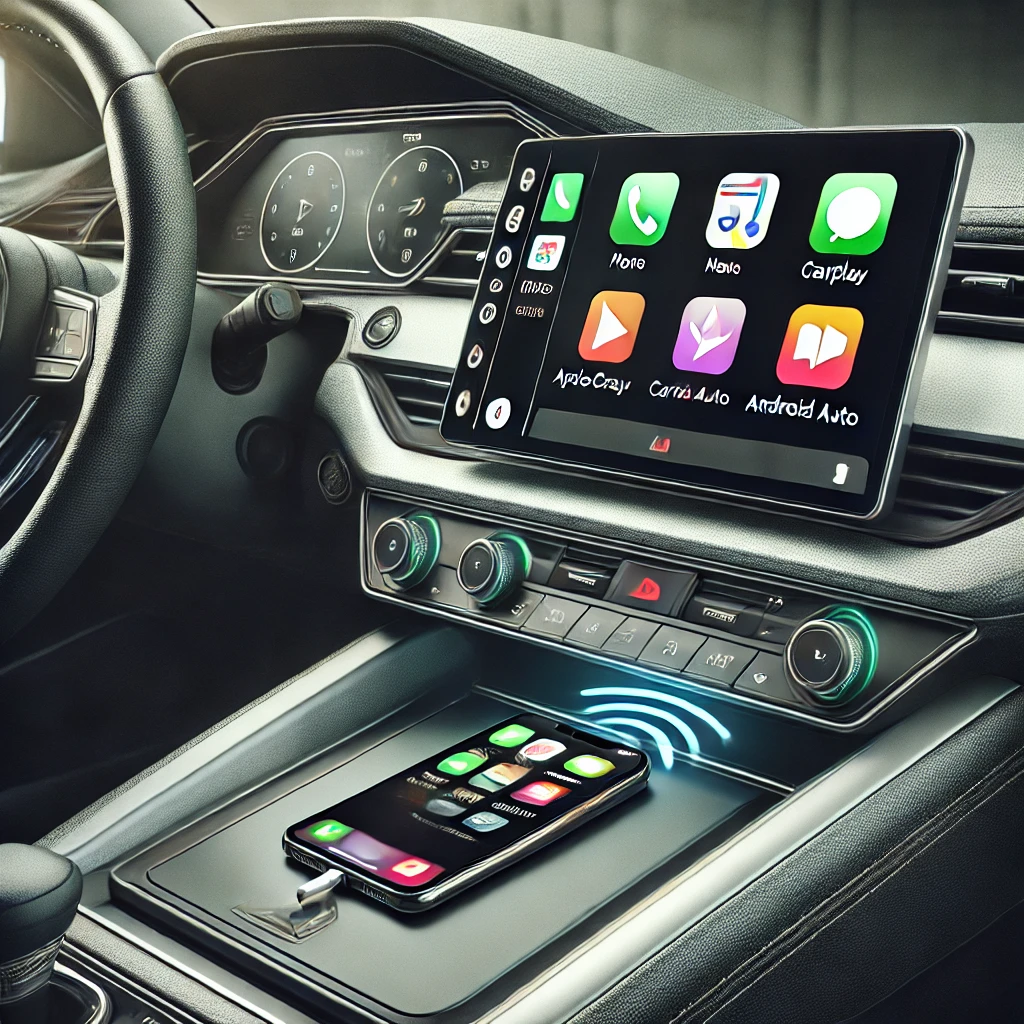
How to Make Apple CarPlay and Android Auto Wireless in Older Vehicles
With today’s rapidly advancing technology, having seamless connectivity in your car is becoming more important than ever. Apple CarPlay and Android Auto are two of the most popular tools for integrating your smartphone with your vehicle, offering navigation, music, and hands-free communication. However, if your vehicle doesn’t have the latest tech built in, or if you’re tired of dealing with cables, you might be wondering how to make Apple CarPlay and Android Auto wireless in an older vehicle.
In this blog post, we’ll show you how to modernize your vehicle and enjoy the convenience of wireless Apple CarPlay and Android Auto without having to buy a brand-new car!
1. What’s the Difference Between Wired and Wireless CarPlay/Android Auto?
Before we dive into the solution, let’s clarify the difference. Both Apple CarPlay and Android Auto were initially designed to work via a USB cable. You connect your phone, and the system mirrors your phone’s interface on your car’s infotainment screen.
With wireless Apple CarPlay and Android Auto, you can connect via Bluetooth or Wi-Fi, eliminating the need for cables. This setup offers added convenience, letting you keep your phone in your pocket or bag while still enjoying all the features on the go.
2. Can Older Cars Use Wireless CarPlay and Android Auto?
Yes! Even if your car wasn’t built with this technology, there are easy ways to bring wireless functionality to older vehicles. Let’s explore your options.
3. Option 1: Aftermarket Infotainment Systems
If your vehicle doesn’t have an infotainment system that supports Apple CarPlay or Android Auto, or if it only supports wired connections, you can upgrade to an aftermarket infotainment system. Many companies, such as Pioneer, Alpine, and Kenwood, offer aftermarket head units that come equipped with wireless Apple CarPlay and Android Auto.
Upgrading your head unit can give your older car a complete tech boost, with features like touchscreens and backup cameras. Though this might require a bit more of an investment, it’s worth it for drivers wanting the latest in-car technology.
4. Option 2: Wireless CarPlay/Android Auto Adapters
For vehicles that already have wired CarPlay or Android Auto, the easiest solution is to invest in a wireless adapter. Brands like Carlinkit and Ottocast offer plug-and-play adapters that allow you to enjoy wireless connectivity. These adapters connect to your car’s USB port and enable wireless communication between your car and your phone.
The setup is easy, and you’ll have wireless functionality in minutes. Just plug the adapter into the USB port, connect it to your phone, and you’re good to go.
5. Option 3: Bluetooth Receivers
For older cars without CarPlay or Android Auto support, a Bluetooth receiver is another option. It plugs into your car’s auxiliary port, allowing you to wirelessly stream music and make hands-free calls. While it won’t give you the full CarPlay or Android Auto experience, it’s a budget-friendly solution.
6. Why Upgrade to Wireless CarPlay/Android Auto?
- Convenience: No more plugging and unplugging cables when you get in the car.
- Clean Look: Going wireless removes cable clutter from your dashboard.
- Hands-Free Safety: Keeping your phone tucked away makes for safer driving.
7. Installation Tips
- Research Compatibility: Make sure to check if the adapter or head unit you’re buying is compatible with your vehicle.
- Professional or DIY: Some installations are DIY-friendly, but professional installation might be needed for more complex setups.
- Check for Updates: Wireless adapters often come with firmware updates to stay compatible with the latest iOS and Android versions.
Upgrade Your Drive Without Breaking the Bank!
At Car Team USA, we’re committed to helping you get the most out of your vehicle. Whether you’re looking to modernize your current car or searching for your next great ride, we’ve got you covered. If you have any questions or need assistance, feel free to reach out to us:
- Visit us at Car Team USA LLC
- Call us at 561-584-8474
- Follow us on Facebook and Twitter
Stay updated with the latest in-car technology tips and car buying advice by following our blog. We’re always here to help you get the most from your vehicle!
Connect with us


